
SaaS Tools for Solopreneurs & Freelancers: If you’re running a one-person business, you already know the feeling: you’re the marketer, the accountant, the customer support rep, and the person who has to remember to really deliver the work. There’s no team to pass tasks to. Every hour you waste clicking around a clunky spreadsheet is an hour you didn’t spend earning.
This guide walks through the SaaS tools solopreneurs and freelancers actually use in 2026, organized by what you need them for, with honest notes on pricing, who each tool fits best, and where the free plans genuinely hold up.
Why Solopreneurs Need a Different SaaS Stack Than Big Companies
That’s exactly where the right SaaS tools for solopreneurs and freelancers change the game. You don’t need a big budget or a tech background—you just need the right stack, built for someone working solo, not a 50-person company with a dedicated IT department.
Most “best SaaS tools” lists are written for marketing teams or enterprise buyers. They recommend platforms with per-seat pricing that only makes sense once you have five or ten people splitting the bill. When you’re solo, that math falls apart fast.
What actually matters for a one-person business is different:
- Low or no monthly cost until you’re earning from it—free tiers should be usable, not just a trial wall
- Fast setup—you don’t have hours to configure something complicated
- One person can run it—no need for an admin, a developer, or a support team
- It replaces manual work, not adds another dashboard to check
With that in mind, here’s the stack broken down by category.
1. Project and Task Management
Even solo, you need somewhere to track what’s due, what’s overdue, and what you promised a client three weeks ago.
Notion remains the go-to for freelancers who want one place for tasks, notes, client info, and invoices without juggling five separate apps. The free plan covers a single user. Comfortably, and the learning curve is manageable if you start with a template instead of building from scratch.

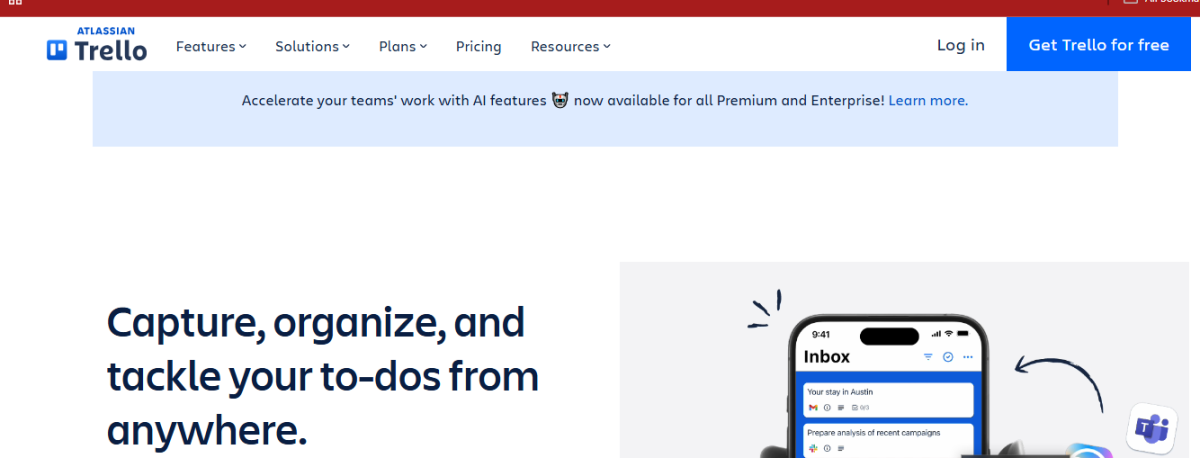
Trello is the simpler option if Notion feels like overkill. Drag-and-drop boards, a generous free tier, and it takes about five minutes to understand. Good for visual thinkers who want to see their week at a glance.
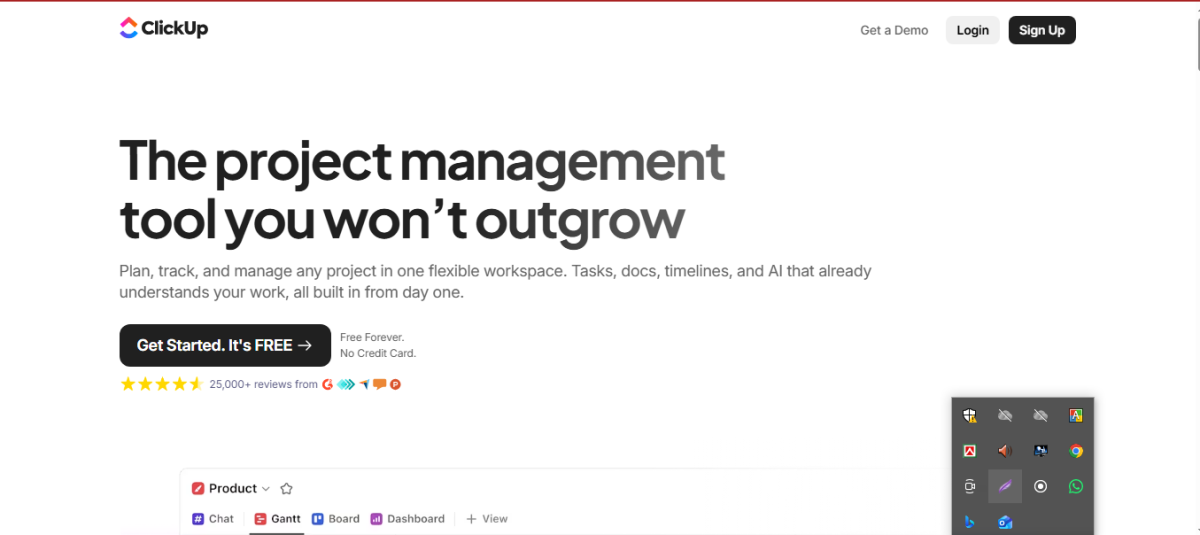
ClickUp sits in between—more powerful than Trello, less sprawling than Notion, with a free plan that’s actually workable for one person.
If you’re just getting started, don’t overthink this pick. Any of these three will do the job; the one you’ll actually keep using is the one that felt easiest on day one.
2. Invoicing and Getting Paid
Chasing payments is one of the most draining parts of freelancing, and it’s also one of the easiest things to automate.
Wave offers free invoicing and basic accounting, making it the obvious starting point if you’re not yet earning consistent income. It’s not fancy, but it covers the essentials: sending invoices, tracking payments, and basic reports.
Bonsai is built specifically for freelancers and includes contracts, proposals, and invoicing in one place. It’s paid, but if you’re tired of stitching together a contract template, a separate invoicing tool, and a payment tracker, the time saved usually pays for the subscription within the first month.
PayPal or Stripe invoicing works fine if all you need is a quick, no-frills way to bill a client and get paid without setting up a full system. Sometimes simple is the right call, especially early on.
3. Client Communication and Light CRM
You don’t need a full enterprise CRM to keep track of who you’re talking to and where each conversation left off—but you do need something better than your memory.
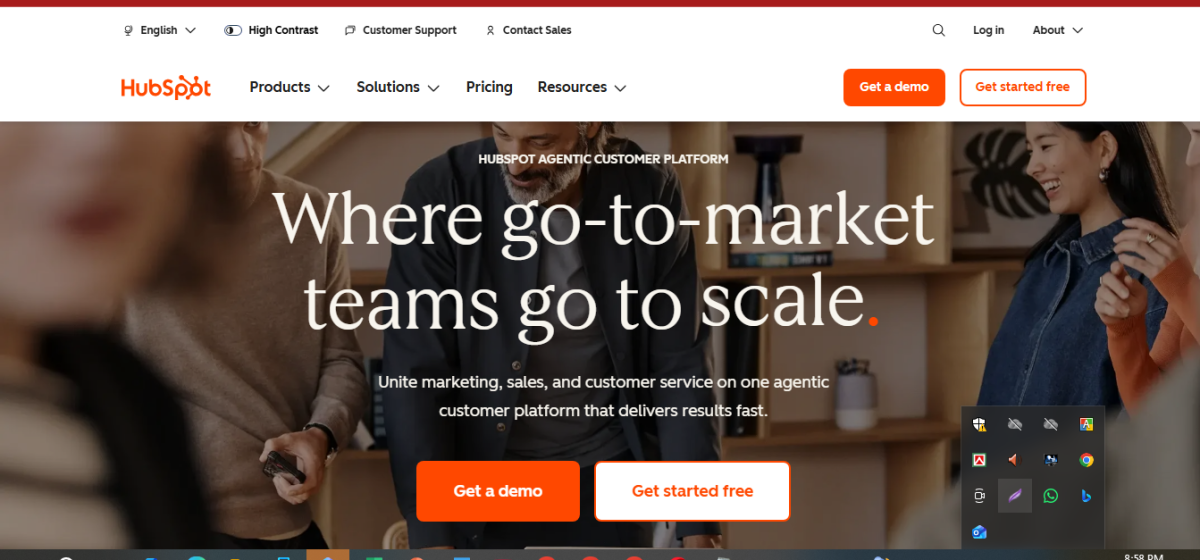
HubSpot’s free CRM is the most commonly recommended option for a reason: it’s genuinely free at the solo level, and it keeps contact history, emails, and deal stages in one view without forcing you into a paid tier immediately.
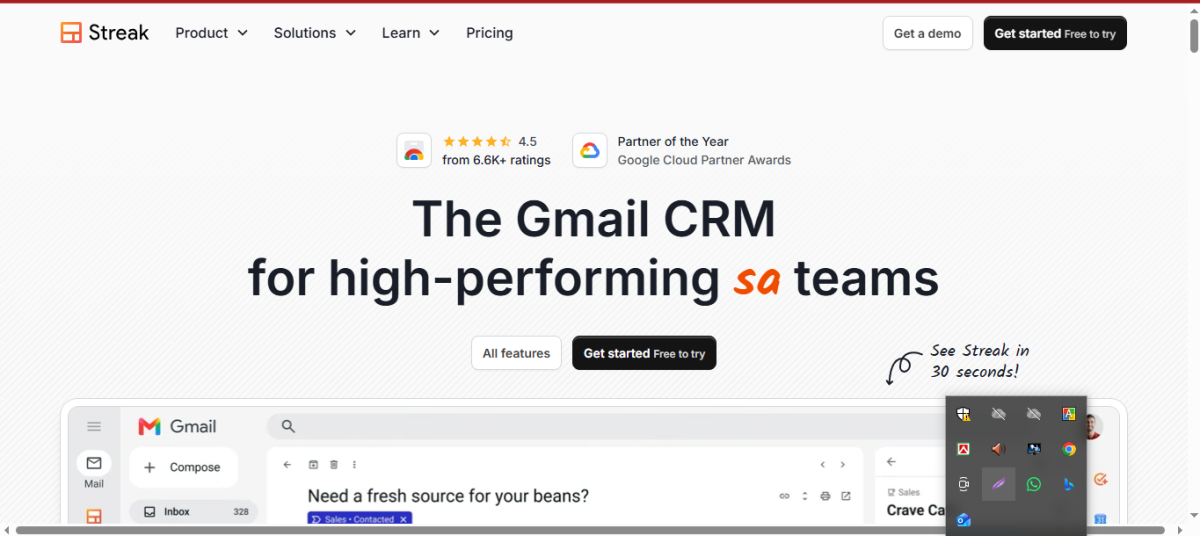
Streak works inside Gmail, which is worth considering if you already run your business from your inbox. There’s no new app to learn—it just adds pipeline tracking to the tool you already open fifty times a day.
For very early-stage freelancers, even a simple spreadsheet with client name, last contact date, and next step can outperform a fancy CRM you never open. Upgrade when the spreadsheet actually starts breaking, not before.
4. Content Creation and Design
Whether you’re producing client deliverables or marketing your own services, design work shouldn’t require a designer’s budget.
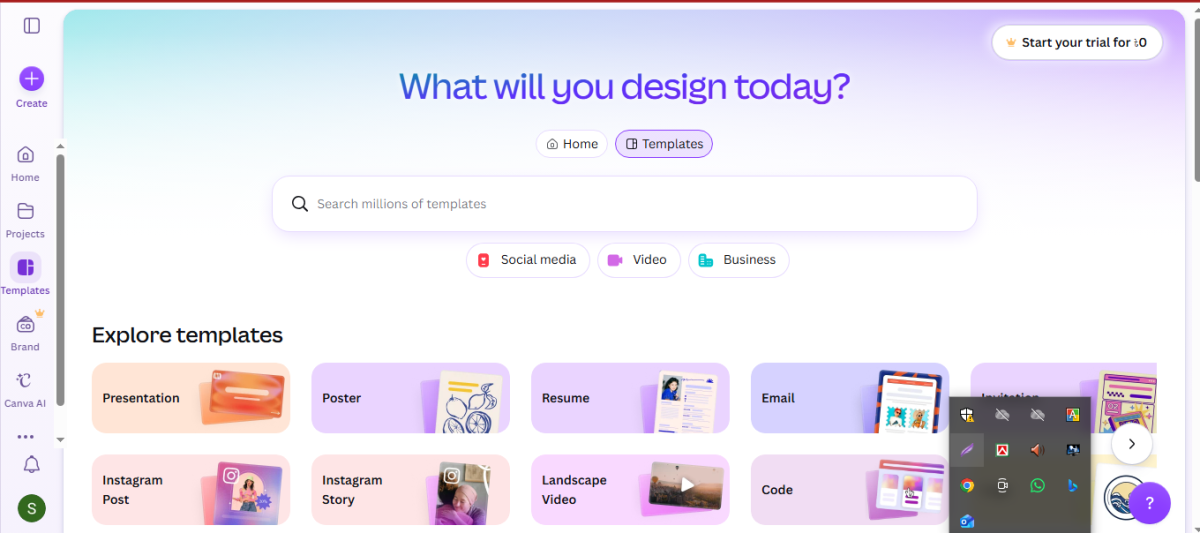
Canva remains the standard for solopreneurs who need social graphics, presentations, or simple marketing assets without hiring anyone. The free plan is genuinely usable; Canva Pro adds a background remover and brand kit features that are worth it once design work becomes a regular part of your week.
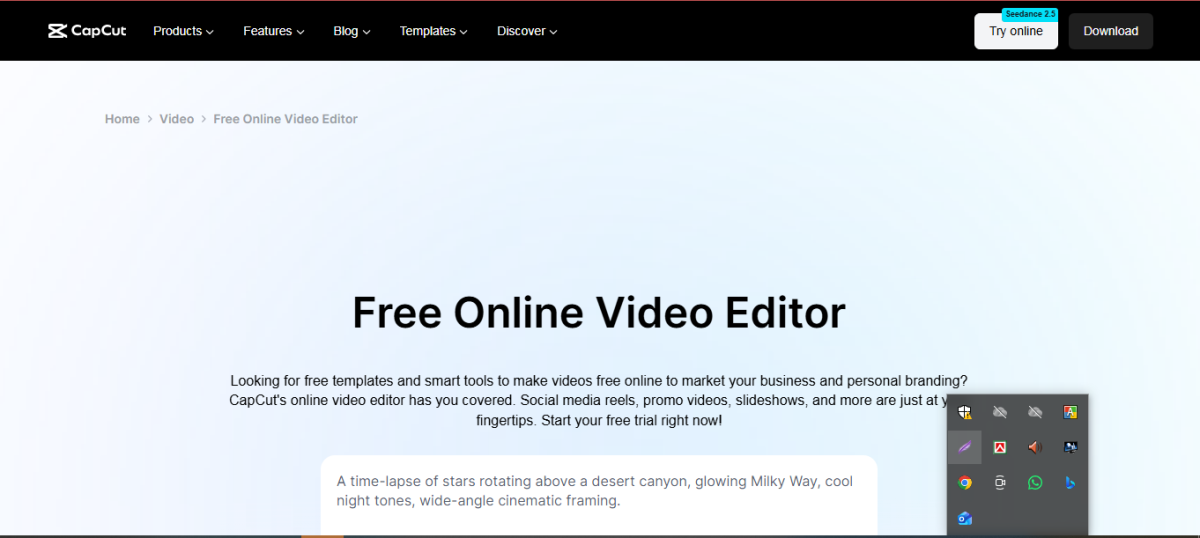
CapCut has become the default for short-form video editing, especially if your business involves any content marketing on social platforms. It’s free, works well on mobile, and doesn’t require any editing background.
Figma matters more if your freelance work involves web or product design specifically—it’s become close to an industry standard, and clients increasingly expect to collaborate directly.
5. Email Marketing
If you’re building an audience or nurturing leads, you need somewhere to actually send emails that don’t cost a fortune before you’ve made a cent from your list.
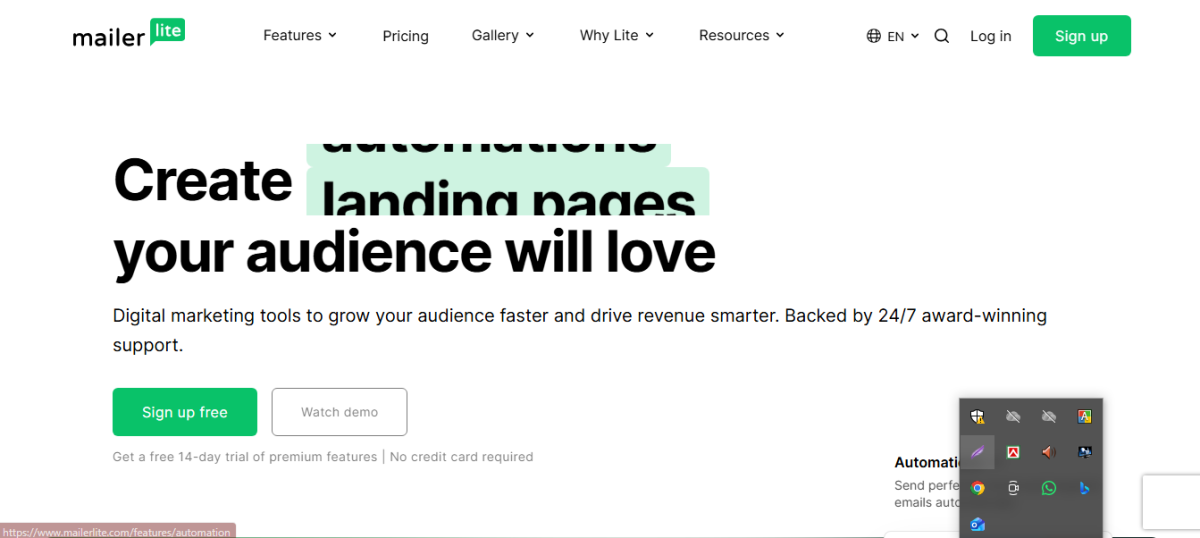
MailerLite offers one of the more generous free tiers for small lists, with clean automation features that don’t require a marketing degree to figure out.
ConvertKit is worth the switch once you’re serious about growing an audience—it’s built specifically for creators and solopreneurs, with automation sequences that are more intuitive than most competitors.
Either way, the mistake to avoid is picking a tool built for e-commerce brands with huge lists. Those platforms charge based on subscriber count and complexity you don’t need yet.
6. Automation (So You’re Not Doing Repetitive Work by Hand)
This is the category that quietly saves the most time, and it’s the one most freelancers set up last—usually after they’ve already wasted months doing something manually that could’ve been automated from day one.
Zapier connects your other tools together—new form submission goes straight to your CRM, new invoice paid triggers a thank-you email, and so on. The free plan handles a handful of simple automations, which is often enough when you’re solo.
Make (formerly Integromat) does similar work with a more visual, flowchart-style builder. It has a steeper learning curve than Zapier but can handle more complex automations, and its free tier is often more generous for higher-volume tasks.
Start with just one automation—the one that annoys you most every single week—and build from there. You don’t need a fully automated business on day one.
7. AI Tools for Productivity
AI tools have moved from novelty to genuinely useful for solopreneurs juggling multiple roles.
Writing assistants can handle first drafts of emails, social captions, and proposal templates, freeing up your time for the actual client work only you can do. Scheduling assistants can find meeting times across time zones without the usual back-and-forth. And AI-powered research tools can summarize long documents or competitor content in minutes instead of hours.
The key with AI tools is not letting them multiply. Pick one or two that solve a real bottleneck in your week, rather than collecting a dozen AI apps you open once and forget about.
8. File Storage and Client Collaboration
Google Drive is still the default for most solopreneurs, mainly because clients already know how to use it. The free 15GB is usually enough until you’re regularly handling video or large design files.
Dropbox remains a strong alternative, particularly for creative freelancers sharing large files with clients who expect a polished delivery link rather than a folder of loose documents.
How to Actually Choose Your Stack (Without Overspending)
Here’s the honest advice most SaaS roundups skip: don’t buy the whole stack at once.
Start with whatever is causing you the most pain right now. If you’re constantly forgetting to invoice people, fix that first. If you’re losing track of client conversations, fix that first. Add tools as specific problems show up, not because a blog post told you a “complete” stack needs eight subscriptions.
A realistic starting stack for most new freelancers looks like this:
- One task manager (free)
- One invoicing tool (free tier)
- Google Drive for files (free)
- Canva for any visual work (free)
That’s four tools, all free, covering the core of running a solo business. Everything else—CRM, automation, paid email marketing—can wait until the income justifies it.
Frequently Asked Questions
Do freelancers really need paid SaaS tools, or are free plans enough?
Free plans cover the basics for most solopreneurs just starting. Paid plans become worth it once a tool is saving you real hours every week—at that point, the subscription usually costs less than the time it replaces.
What’s the biggest SaaS mistake solopreneurs make?
Signing up for too many tools too early. SaaS tools for solopreneurs and freelancers: Signing up for too many tools too early. Subscriptions pile up quietly, and most solopreneurs end up paying for features they never use. Audit your subscriptions every few months and cancel anything you haven’t opened in the last thirty days.
Can I run an entire freelance business on free SaaS tools?
Yes, especially in the first six to twelve months. Notion, Wave, Google Drive, and Canva’s free tiers alone cover project management, invoicing, storage, and design—the core of most solo businesses.
Final Thoughts
The right SaaS tools for solopreneurs and freelancers aren’t the ones with the most features—they’re the ones that quietly do their job so you can focus on the work that actually pays. Start small, add tools only when a real problem shows up, and resist the urge to build a “perfect” system before you’ve even tested what your business actually needs.
The tools listed here cover nearly everything a freelancer or solopreneur needs to run a lean, professional operation in 2026—most of it without spending a dollar until you’re ready to.